
Download Foxit PDF Editor - AI, Convert, OCR, Edit, Read
Overview
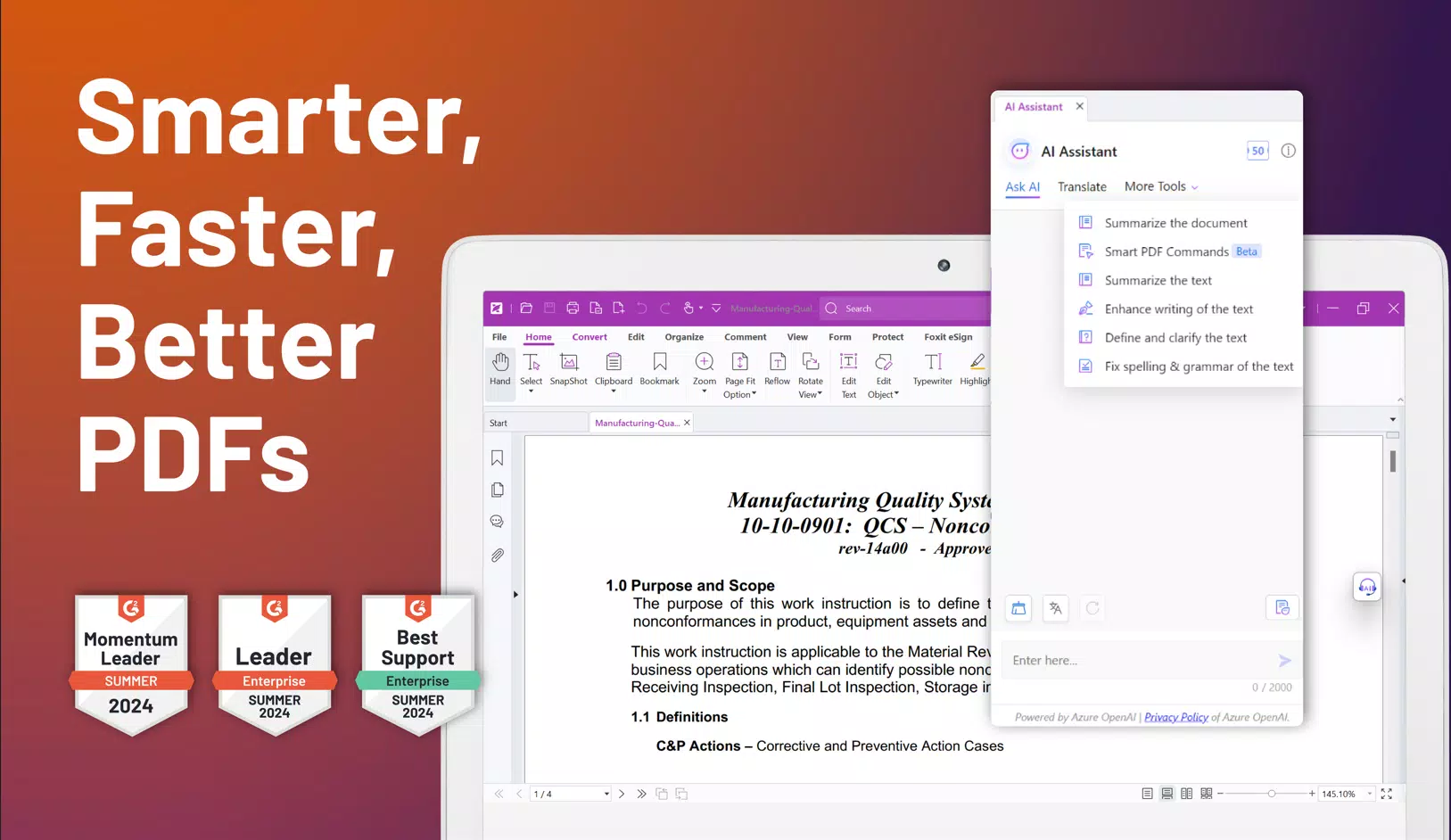
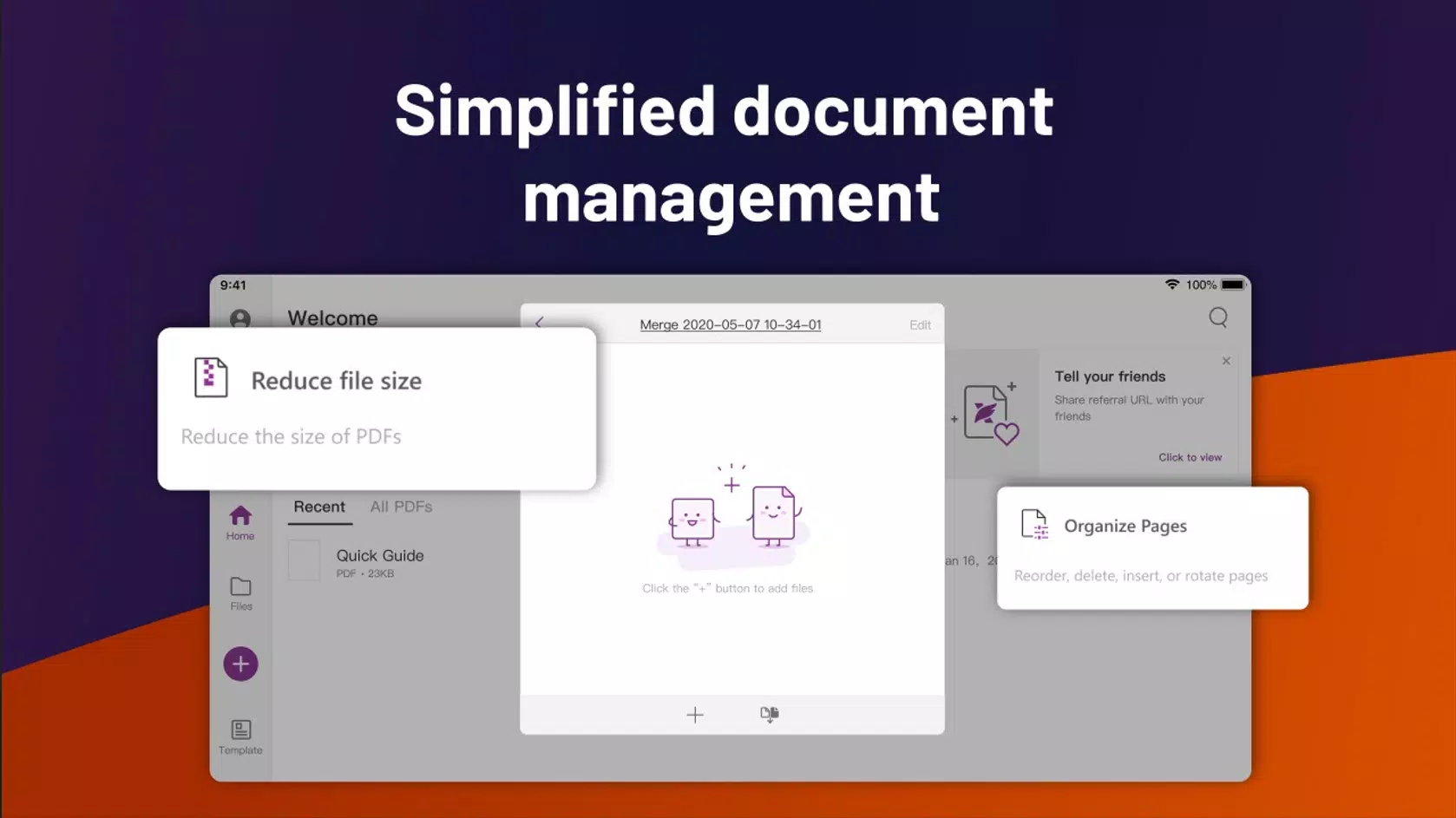
Foxit PDF Editor is a comprehensive mobile solution designed for efficient PDF management across Android and iOS platforms. Built to go beyond basic viewing, it serves as a full-featured tool for editing, converting, securing, and sharing documents on the go. The app is particularly valuable for professionals, students, and remote workers who rely on fast, accurate document handling in dynamic environments.
Whether digitizing paper records, modifying contracts, or preparing presentations, Foxit PDF Editor streamlines workflows with intelligent automation and robust functionality. Its AI-driven capabilities reflect a modern shift in document processing, reducing manual effort and minimizing errors. The developer, Foxit Software Inc., has established a strong reputation in the document management space, known for delivering reliable, feature-rich tools across multiple platforms.
The app’s release on April 1, 2024, marks a significant update in mobile PDF productivity, offering users a powerful alternative to fragmented or limited free tools. With a free pricing model, it lowers the barrier to entry for individuals and teams seeking high-performance document solutions. Real-world applications include legal teams reviewing scanned contracts, educators preparing digital handouts, and freelancers managing client deliverables—all within a single, unified interface.
Key Features & Functionality
- AI-Powered Editing: Leverages artificial intelligence to allow users to edit text, images, and layouts within PDFs with minimal formatting disruption. This feature enables quick updates to documents without requiring advanced design skills.
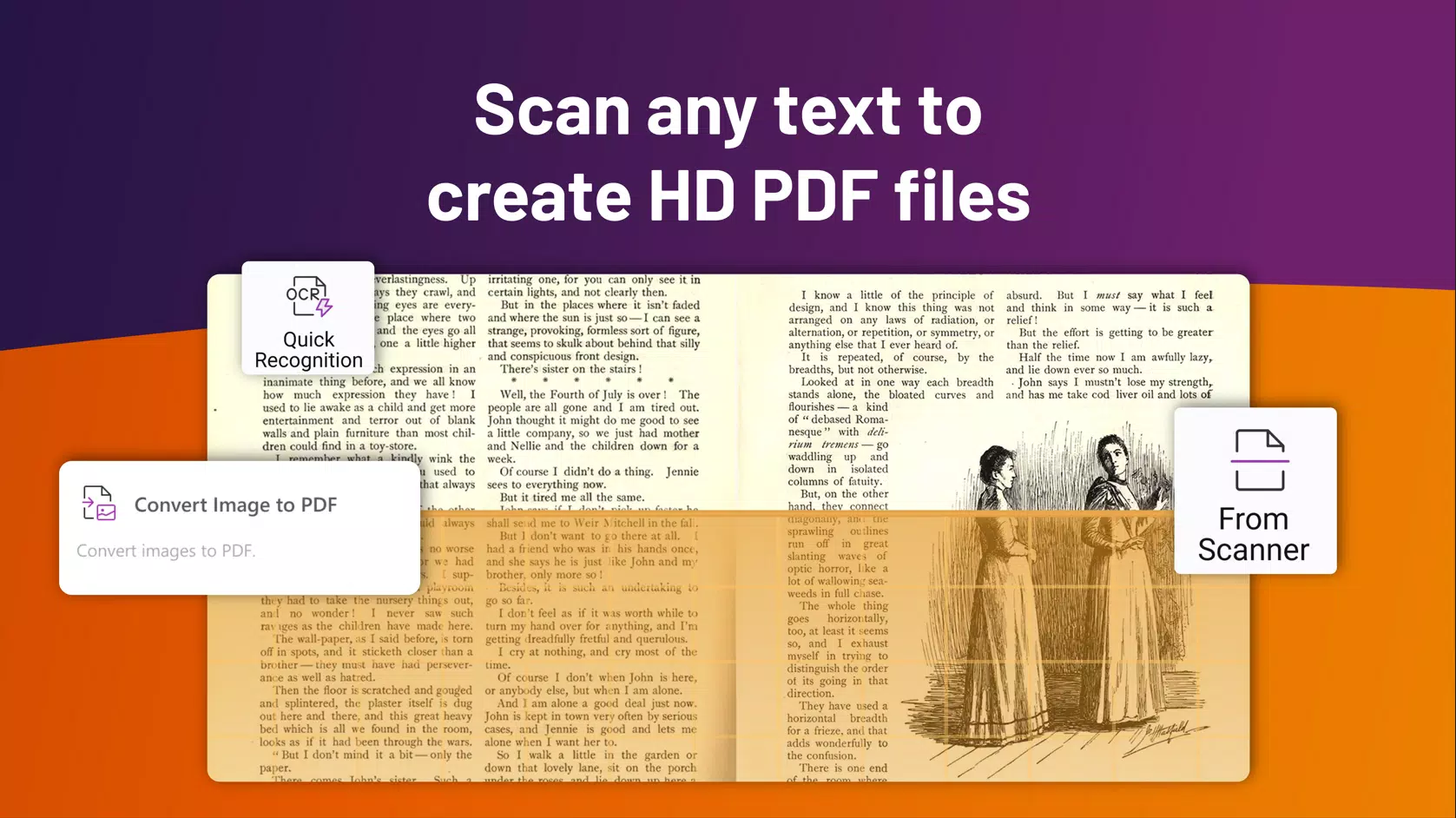
- Smart OCR Functionality: Converts scanned or image-based PDFs into fully editable and searchable text while preserving original formatting. Ideal for digitizing physical documents such as invoices, receipts, and archival records.
- Efficient PDF Creation: Supports conversion of various file types—including Word, Excel, and PowerPoint—into high-quality PDFs. This ensures seamless cross-format compatibility and professional output.
- Secure Document Sharing: Offers password protection, digital signatures, and permission controls to safeguard sensitive information during transmission. Enhances trust in collaborative environments and regulatory compliance.
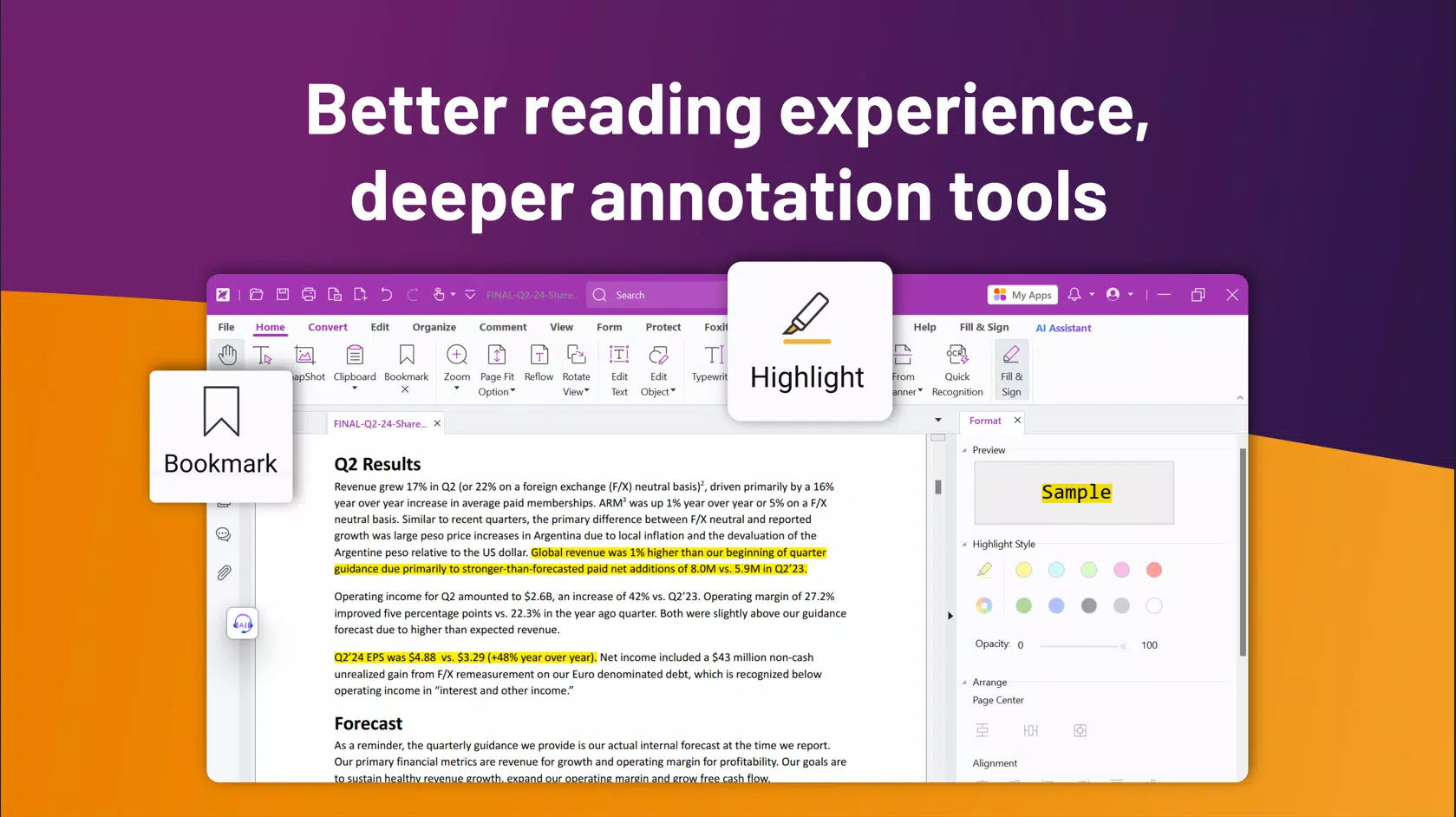
- User-Friendly Interface: Features a clean, intuitive layout that simplifies navigation for both beginners and advanced users. Reduces learning curves and boosts daily productivity.
For example, a real estate agent can use the OCR function to extract text from a scanned lease agreement, edit terms using AI, and securely share the updated version with a client—all within minutes. Similarly, a university student can convert lecture slides from PowerPoint into a PDF, annotate them, and share notes with peers without losing visual clarity.
Interface, UX & Performance
The interface of Foxit PDF Editor is designed with clarity and efficiency in mind. It employs a minimalist layout with easily accessible toolbars, context-sensitive menus, and a logical hierarchy of functions. Navigation is smooth, with consistent iconography and responsive touch feedback.
Users can switch between viewing, editing, and annotating modes with minimal taps, enhancing workflow continuity. The visual style is modern and professional, aligning with current mobile design standards. Although the developer did not list formal performance metrics, the app operates efficiently on a range of device categories, from mid-tier smartphones to high-end models.
Responsiveness is maintained during common tasks such as page flipping, text selection, and file conversion. Stability appears consistent across usage sessions, with no reported crashes or freezes in standard operations. The app maintains low memory usage during background operations, contributing to overall device performance.
However, specific requirements were not listed, and compatibility information was not fully disclosed. Users are advised to ensure their device meets general Android and iOS standards for running productivity applications.
Platform Compatibility & Technical Requirements
Foxit PDF Editor is available on both Android and iOS platforms, making it accessible to a broad user base. The current version is 12.2.0.13622, with a file size of 112.4 MB. This relatively compact size allows for quick installation and minimal storage impact on mobile devices.
The app is offered at no cost, with a free price point of $0.00, making it accessible to users across different economic backgrounds. While the developer did not specify minimum OS requirements, the app is designed to function on modern smartphones and tablets. It is recommended to use the latest version of the operating system to ensure optimal performance and security.
The app’s cross-platform availability ensures that users can maintain consistent document workflows across different devices, whether switching between a personal Android phone and a work iOS tablet.
Pros and Cons
Pros
- AI-powered editing streamlines document updates with high accuracy.
- Smart OCR enables full text extraction from scanned documents.
- Supports conversion from multiple file formats into professional PDFs.
- Offers robust security features including password protection and digital signatures.
- Intuitive interface reduces learning time and enhances daily usability.
- Free to download and use, with no cost barrier for essential features.
Cons
- Advanced features may require a subscription or in-app purchase beyond the free version.
- Specific system requirements were not disclosed by the developer.
- Performance on older or low-end devices may vary without official testing data.
- Some users may experience limitations in batch processing or automation.
- Updates may introduce interface changes that require reacclimation.
FAQ
Is Foxit PDF Editor free to use?
Yes, the app is available at no cost with a free price point of $0.00. However, certain advanced features may require a subscription or in-app purchase for full access.
Can I edit text in scanned PDFs?
Yes, the app includes Smart OCR functionality that converts scanned or image-based PDFs into editable text while preserving formatting.
Does Foxit PDF Editor work on both Android and iOS?
Yes, the app is compatible with both Android and iOS platforms, allowing seamless use across different devices.
How secure is document sharing in Foxit PDF Editor?
The app provides password protection, digital signatures, and permission controls to ensure secure sharing of sensitive documents.
What file types can I convert to PDF?
Foxit PDF Editor supports conversion from common file formats such as Word, Excel, PowerPoint, and images into professional-quality PDFs.
Final Thoughts
Foxit PDF Editor stands out as a powerful, intelligent tool for modern mobile document management. Its integration of AI, OCR, and secure sharing features makes it a versatile solution for professionals, students, and anyone managing digital content on the go. The clean interface and efficient workflow reduce friction in daily tasks, while the free pricing model increases accessibility.
Although some advanced capabilities may require additional investment, the core features are robust and reliable. For users seeking a secure, feature-rich PDF experience without upfront costs, this app delivers strong value. It represents a significant step forward in mobile productivity, combining speed, accuracy, and ease of use.
Download Foxit PDF Editor now.


